Liquid Sim :: Part 9 :: Combined Render Tests
Updated: Aug 22, 2025
Now that I am happy with each element individually, I am going to render them together and solve any issues there.
Solo Water Render

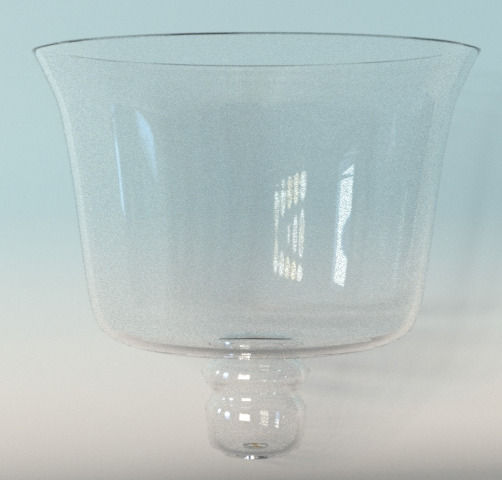
Solo Glass Render
Solo Bubble Render

Combining the Elements

Water and Cup
There were no issues combining these, which is always nice. I just toggled the visibility of both on.
Water, Cup & Bubbles

Render 1: Custom Shader


Render 2: Arch Glass Shader The bubbles aren't visible at all.

Render 3: Glass Shader The bubbles are visible but a little too subtle. They don't match the reference as much as I'd like.

Render 4: Glass Bottle Shader The glass and glass bottle shaders give virtually the same result for this render.

Render 5: Glass Bottle Settings Changed
These are the setting I changed from the default Glass Bottle Shader:

I like this version the best since it is visible and doesn't have any black spots. I think that it matches the reference the best.
Reference

Combined Render
Seeing this side-by-side, I decided that the bubbles were too small.
New Bubble Animation


New Bubble Size Render
The increase in size caused the bubbles to appear too shiny in the final render, so I increased the roughness in the shader.

New roughness. This one is much better and matches the reference more closely.
New Shader Settings

Reference

Final Combines Render
*Towards the end of my render, the water seems to "wiggle". The fluid doesn't settle fast enough, or perhaps the fluid is too viscous. Before final submission I will be working on that.
Next Steps:
Fix Collision
Shape initial spash to more closely match the reference
Shape the stream to more closely match the reference
Add bubbles
Render liquid and glass with shaders
Add smoke [no longer a priority]
fix water "wiggle"
